Tech
Best Free AI Tools Everyone Is Using in 2026.

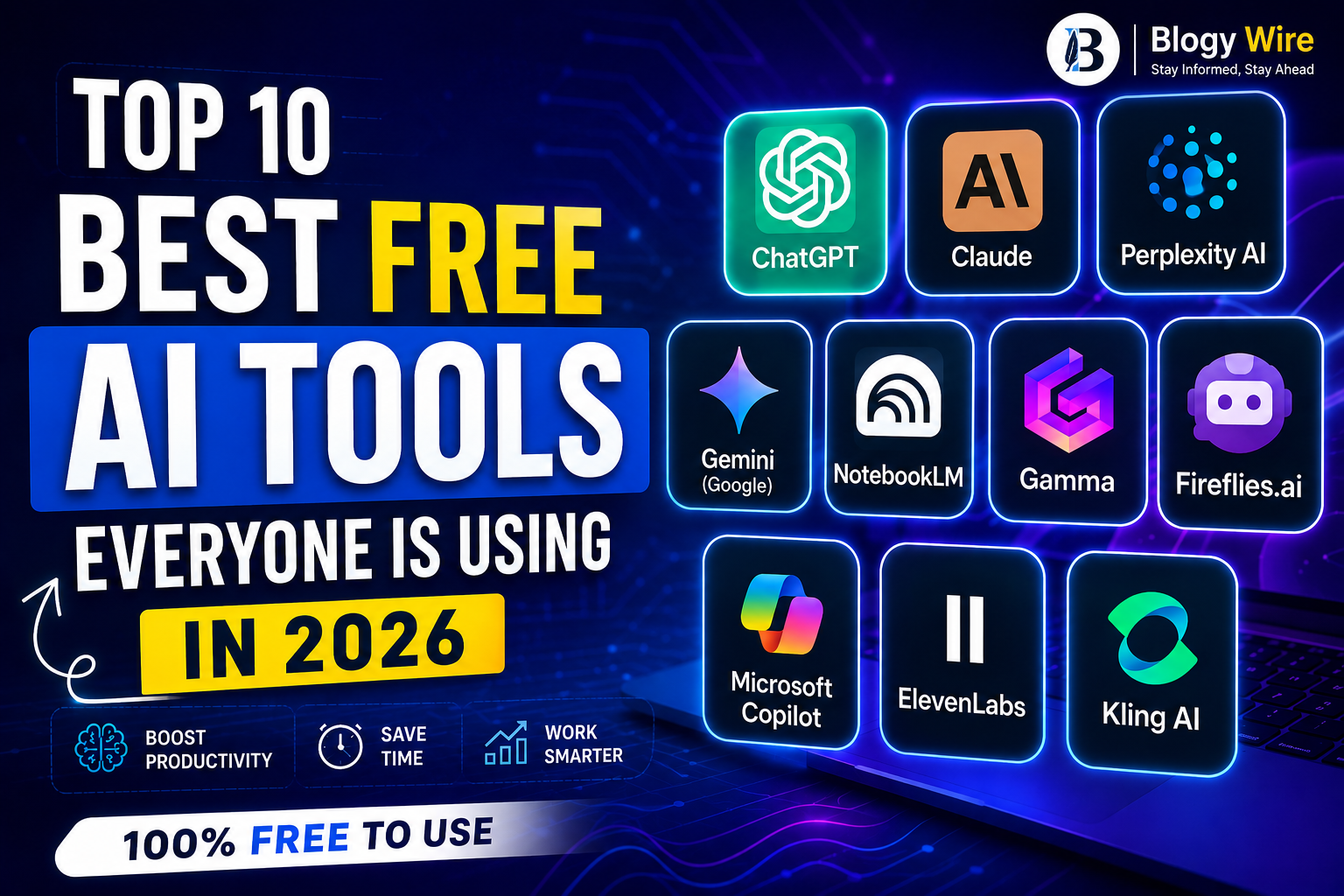
Let me be honest with you. A year ago, most people thought AI tools were only for big companies or tech experts. Today? Your neighbor is using them. Your coworker is using them. Even your 16-year-old cousin is using them to finish homework faster.
The best part is that you do not have to pay anything to get started. Most of the powerful AI tools in 2026 have a free version that is good enough for everyday use. No credit card. No hidden fees. Just sign up and start.
If you’re looking for the most popular AI tools everyone is using right now, this guide covers the best options and what they do best.
Quick Comparison Table
| Tool | Best For | Free Plan |
|---|---|---|
| ChatGPT | Writing, daily tasks | Yes |
| Claude | Long-form writing, research | Yes |
| Perplexity AI | Research and fact-checking | Yes |
| Google Gemini | Google users | Yes |
| NotebookLM | Students and learning | Yes |
| Gamma | Presentations | Yes |
| Fireflies.ai | Meeting notes | Yes |
| Microsoft Copilot | Office work | Yes |
| ElevenLabs | AI voice generation | Yes |
| Kling AI | AI video creation | Yes |
1. ChatGPT
ChatGPT is still the most popular AI tool in the world. If you have never used any AI tool before, this is the best place to start. You can ask it anything, help writing an email, explaining something you do not understand, making a to-do list, summarizing a long article, you name it.
The free version works well for most everyday tasks. Millions of people use it every single day, and it is easy to see why. It feels like texting a very smart friend who always has time for you.
2. Claude
Claude is the AI tool that writers and researchers are quietly switching to in 2026. People who have tried both ChatGPT and Claude say Claude gives more careful, thoughtful answers. It is less likely to make things up and more likely to actually understand what you are asking.
If you write a lot — blog posts, essays, reports, emails Claude is worth trying. The free version gives you access to a very capable model, and the quality of writing it helps you produce is genuinely impressive.
3. Perplexity AI
Perplexity AI is what Google Search should have become. Instead of giving you a list of links to click through, Perplexity reads the web for you and gives you a direct answer — with sources you can actually check.
This is the tool to use when you need real, up-to-date information. Researching a topic for school? Fact-checking something you read online? Perplexity is fast, accurate, and completely free. A lot of people are replacing their daily Google searches with it.
4. Google Gemini
Google Gemini is Google’s answer to ChatGPT, and it has one big advantage — it works seamlessly with your Gmail, Google Docs, and Google Drive. If you are already living inside Google’s world, Gemini feels very natural to use.
You can use it to draft emails, summarize documents, help with research, and even generate images. The free version is solid, and since it comes from Google, it is constantly getting better.
5. NotebookLM
NotebookLM is honestly one of the most underrated free tools of 2026. It is made by Google and it does something none of the other tools do as well — it lets you upload your own files and then asks questions about them.
Upload a PDF, a research paper, a set of notes, or even a website link. NotebookLM reads it all and becomes an expert on your specific material. Ask it to summarize, create study guides, or make flashcards. It can even turn your documents into a short podcast-style audio conversation between two AI voices, which sounds strange but is actually incredibly useful for learning.
The free plan is very generous. Most people who discover this tool cannot believe it is free.
6. Gamma
Gamma solves a problem everyone has had: making presentations is slow, painful, and the results usually look boring. Gamma changes that completely.
You type a short description of what your presentation should be about, and Gamma builds it in about 30 seconds. Real slides. Real design. Something that actually looks good. Students use it. Business people use it. Teachers use it. If you have a presentation coming up, try Gamma before you open PowerPoint.
7. Fireflies.ai
Fireflies.ai is the tool for anyone who spends too much time in meetings. You add it to your Zoom, Google Meet, or Microsoft Teams call, and it automatically records everything, writes out a full transcript, and gives you a clean summary of what was discussed and what decisions were made.
No more typing notes while trying to pay attention. No more forgetting what was agreed in a call two weeks ago. The free plan gives you unlimited transcriptions, which is genuinely a lot. If meetings are a big part of your day, this tool will save you real time.
8. Microsoft Copilot
Microsoft Copilot is built right into the Microsoft tools that a lot of people already use for work. Word, Excel, PowerPoint, Outlook — Copilot sits inside all of them and helps you write faster, understand data better, and get more done without switching between apps.
If your job runs on Microsoft, Copilot is worth turning on. The free version has enough features to make a noticeable difference in how fast you work.
9. ElevenLabs
ElevenLabs is the best AI voice tool available right now. It can generate realistic human-sounding voices in over 32 languages, and the results are so good that it is often hard to tell the difference from a real person speaking.
Content creators use it to add voiceovers to videos. Podcasters use it for intros and outros. Some people even use it to clone their own voice. The free plan has usage limits, but it is more than enough to try it out and see what it can do.
10. Kling AI
Kling AI lets you create short video clips just by typing a description of what you want to see. It is one of the best free AI video generators in 2026, and it is getting better every month.
If you create content for YouTube, Instagram, or TikTok, this is a tool to have in your kit. You do not need a camera, a crew, or any editing skills. You just need an idea and a few words to describe it.
Where Should You Start?
If all of this feels overwhelming, just pick one tool and try it today. Here is the simplest way to choose.
If you want a smart assistant for everyday tasks, start with ChatGPT or Claude. If you do a lot of research, try Perplexity AI. If you are a student with piles of reading to get through, NotebookLM will genuinely change how you study. If you have a presentation to make this week, open Gamma right now.
You do not need to use all of them. You just need to start with one.
AI in 2026 is not a future thing anymore. It is a right-now thing. And the good news is — it is free.
If this list helped you, share it with someone who is still doing everything the hard way.
Follow Blogy Wire for more simple, honest guides on tech, business, and what is happening in the world.


 WORLD NEWS2 weeks ago
US-Iran War 2026: How It Started, What It Cost, and Where It Stands Today

 Trending2 weeks ago
You’re Not Imagining It :Rising Prices 2026 Are Making Your Paycheck Feel Smaller

 Tech3 days ago
SpaceX New IPO 2026: Everything You Need to Know Before Investing Date, Price, Ticker and Risks

 Trending2 weeks ago
San Diego Mosque Shooting 2026: The Hero Who Stood Between Gunmen and 140 Children